 Reclaim Protocol Docs
The Default Bundle
You must pass the provider ID
You need a providerId
If you set the bundleId to default, you need to also pass the providerId.
You can see all the providers created by the Reclaim Protocol Community. You can just copy the providerId from there.
If you do not find a provider of your choice, you can build one yourself using the Provider Builder.
UI
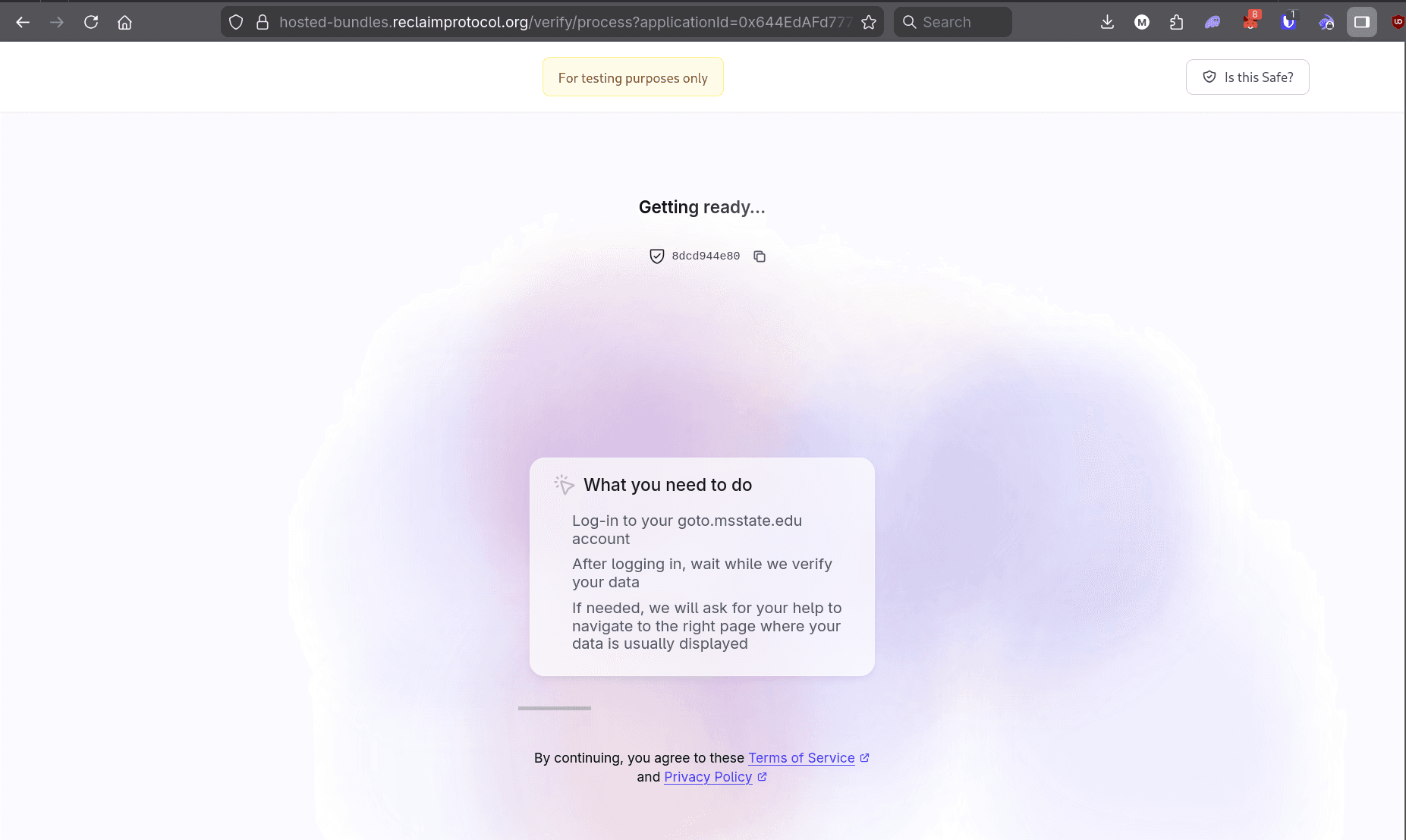
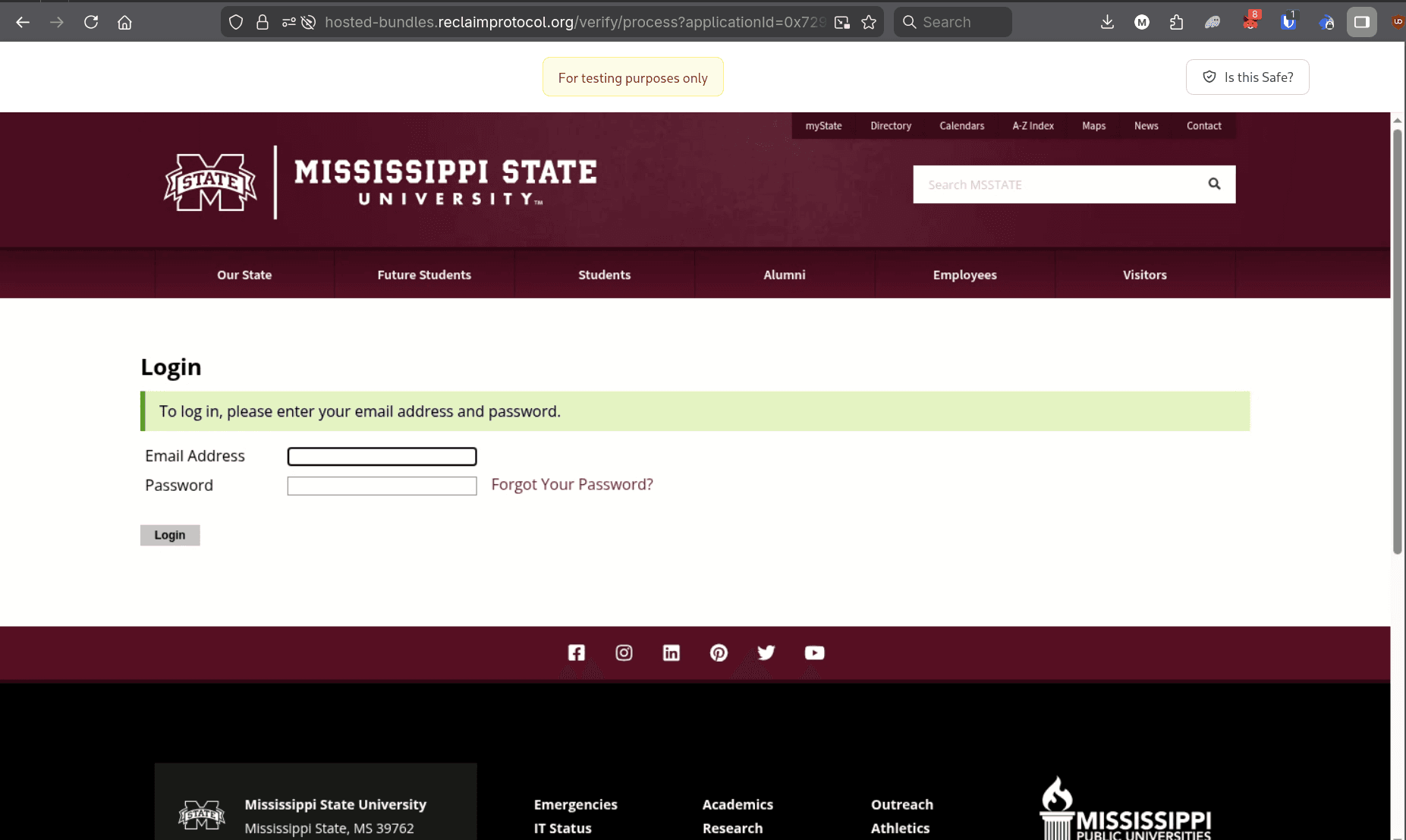
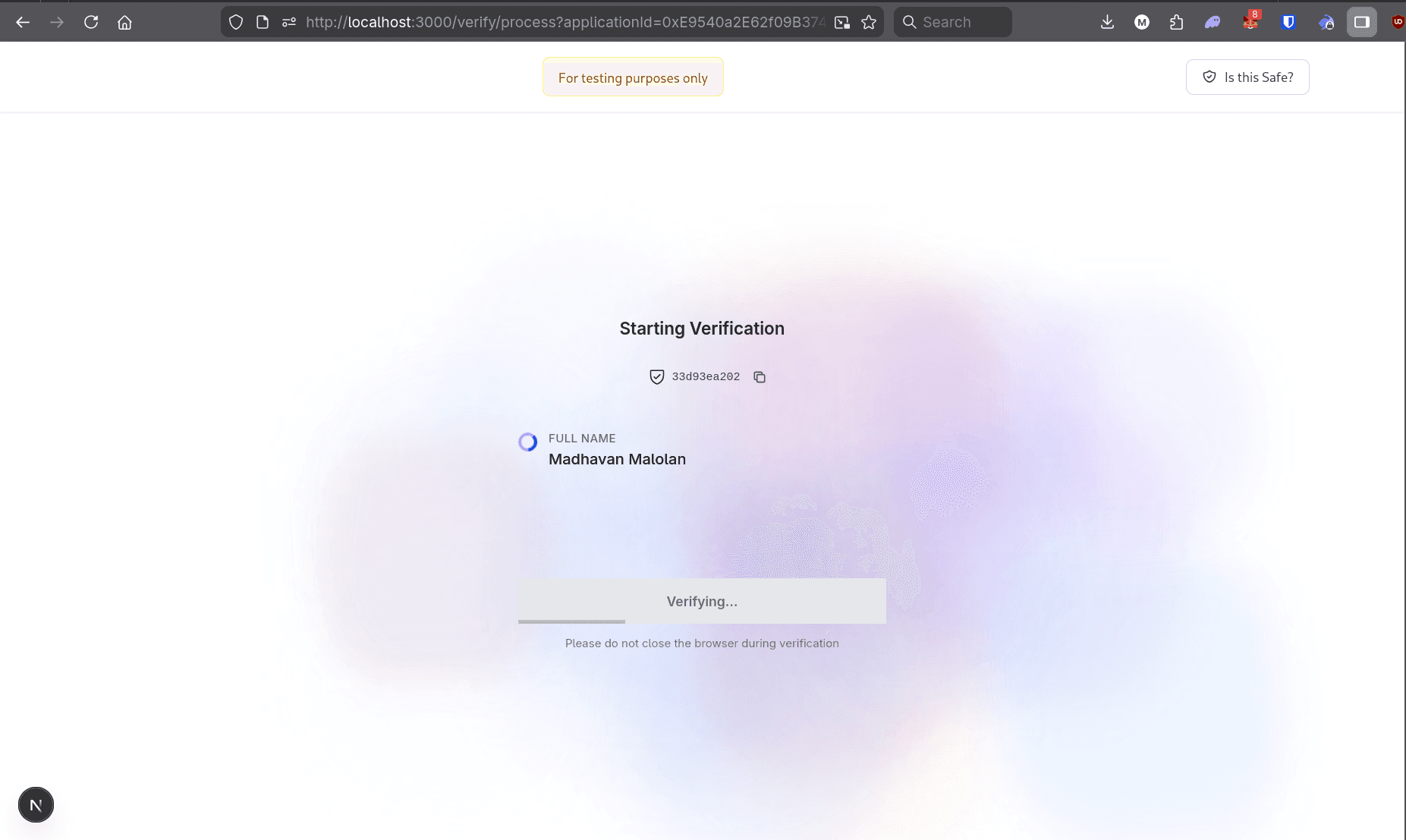
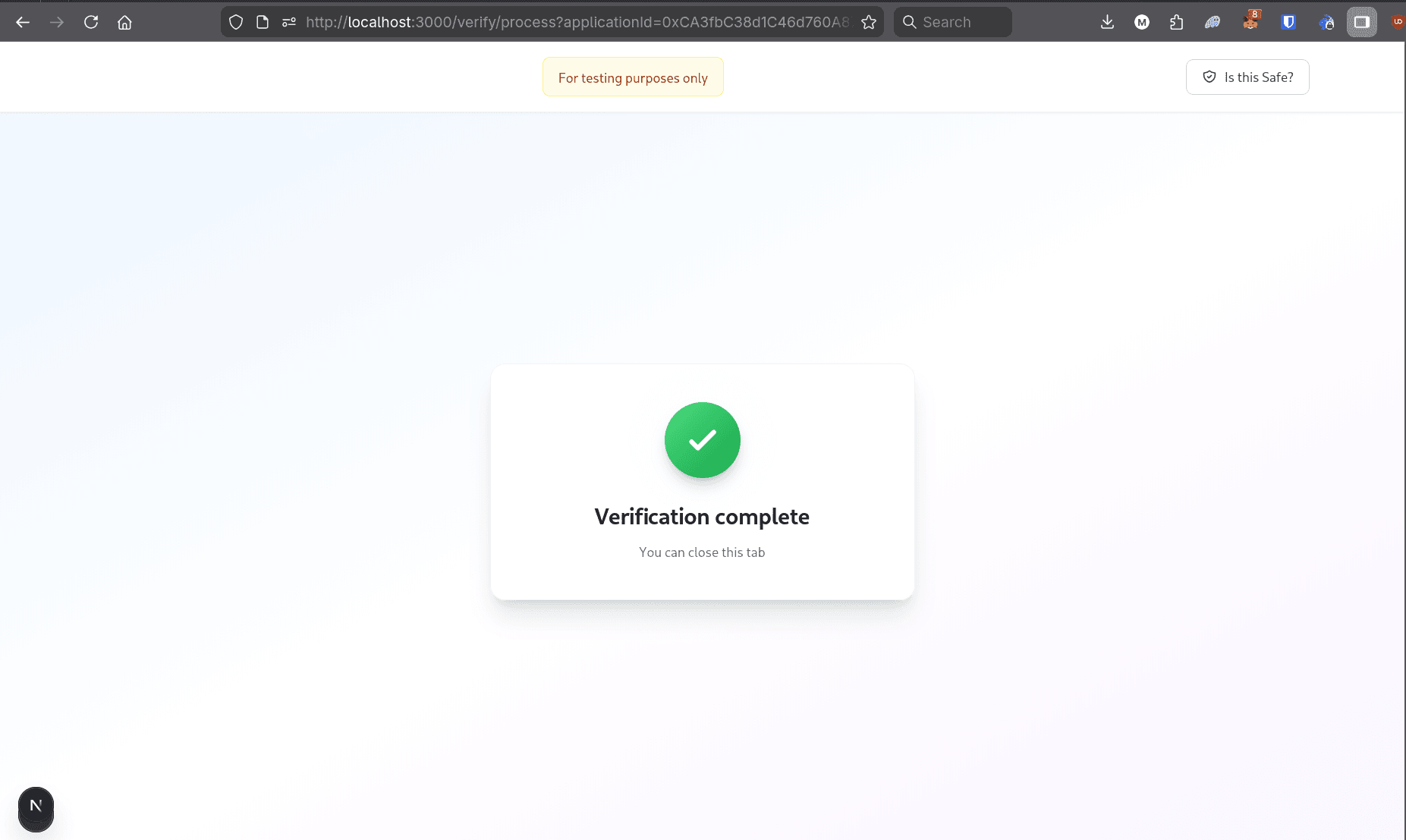
The user will be navigated directly to the login page of the providerId. There is no provider selection page.
Callback
To the callback you set, you will receive a json like so :
You can see all the parameter's descriptions here.
However, unlike all other bundles, the parameters inside proofs[i].data will depend on the providerId you selected. You can see the provider's response schema on dev.reclaimprotocol.org. You must look for the extractedParameterValues of the provider schema. That is the object you will receive in proofs[i].data.